Summary
Have you ever made a Dynamo graph that works great and as soon as you go to share it, the receiver is in a different unit format? Often times this results in errors like this:
 Graph originally created for imperial units |
 Same graph ran on a metric file |
As you can see, the above graph works great when it is run with imperial units, but when ran in metric, it creates the levels very close together. Yes, the user can enter the correct values in the number node, but with Dynamo 2.13 and up there are better ways now!
New Nodes
With Dynamo 2.13, the team introduced 25 new nodes for working with units. These nodes encompass a lot of new functionality, which you can read about here.
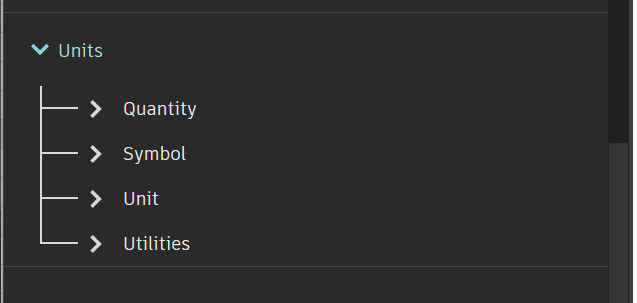
The new units categories in the library
However, in this post, we would like to highlight a couple that will be of great help in making your Dynamo graphs more adaptable to (inevitable) unit differences.

The nodes that make adapting to units possible
Revised Workflow
With the above nodes in mind, our new workflow will look something like this:

The completed graph with additional unit logic.
- Replaced original number node input with new string node input. This allows your end-user to input a value with units. (Eg. 1ft, 1′, 1mm, 1cm)
- Obtain the current file’s units for the target type. In this case, that is length. With that value, we can parse the string.
- Use our new values in the sequence we create previously.
In Action!

Conclusion
Now you know a bit more about a new awesome use-case for the new unit nodes. Can you think of any more? Give it a try and let us know!