The Al-Wasel Saga, Part 1 – From Design to BIM
Introduction:
Al-Wasel Tower is not just an architectural and artistic triumph. It’s also a testament to Dubai’s commitment to technological innovation in the construction industry. Specifically, the project is a shining example of the city’s adoption of Building Information Modeling (BIM) technology. This state-of-the-art approach to building design and management has become a mandatory requirement for certain types of buildings in Dubai, marking a significant step forward in the city’s vision for sustainable and efficient construction.
Al-Wasel Tower, a 63-story mixed-use development in Al Wasl, Sheikh Zayed Road, Dubai, is a 300-meter long, twisted architectural marvel. The design is the brainchild of UNStudio, and the project is being developed by the Wasl Asset Management Group.
The tower employs a twisting, asymmetrical design inspired by the “contrapposto” pose commonly used in classical sculpture, intended to give an effect of dynamic motion.
The building will also feature one of the world’s tallest ceramic facades composed of clay-based materials, with an overlaid lacework of fin-shaped tiles. These are designed for energy efficiency and comfort, providing shade from the fierce Dubai heat that reduces the need for air conditioning, and deflecting light into the interiors.
Source: Wasl Tower in Dubai: The supertall ceramic skyscraper that ‘breathes’ | CNN
Conceptual Images, Renders are Courtesy of Methanoia and Plompmozes
On-Site, Images are Courtesy of AEC Group
The Challenge:
For years, numerous other engineers attempted, only to encounter setbacks when the panels initially mounted on the tower, and thus had to be taken down.
The panels, shaped like parallelograms on the twisted tower, along with the aluminum FT10 parts that curved in two directions, proved to be a difficult geometrical challenge to solve.
FT10 Connections
Our Involvement:
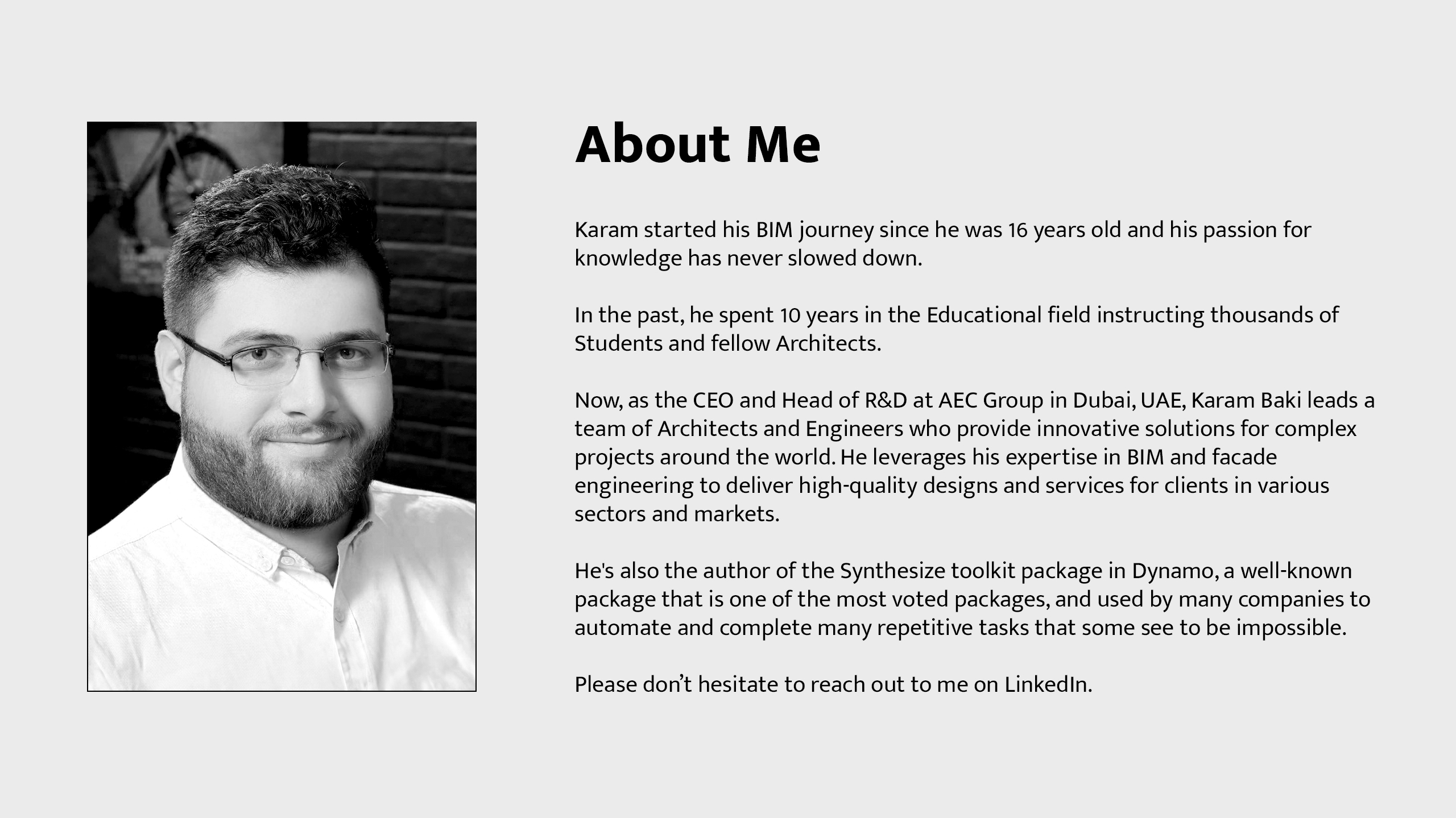
After several years, we were summoned to tackle the longstanding complex geometric challenges. We were successful, and many of our solutions are now available for community use in the Synthesize toolkit package in Dynamo. This toolkit is created and maintained by Karam Baki (CEO and Head of R&D in AEC Group)
The Synthesize Toolkit package in Dynamo
The Paneling Process:
In this installment of the Saga, we will guide you through the initial stage of the paneling process, using Dynamo and Revit to create a comprehensive BIM model for the tower panels. This model was a crucial element that allowed the fabrication team to proceed with confidence, ensuring the accuracy and integrity of each fabricated panel.
Panels at an arbitrary Zone
Fabrication Data in Excel, and Formulas in the Panel Component
The Design Stages:
During the design stages, UNStudio design team. delivered a pre-rationalized facade wireframe that aligns with the structural design. This is a best practice that computational designers should do to communicate with each other, especially in massive projects involving numerous parties.
UNStudio Panel Points
Working with a Messy CAD Model:
Due to multiple subconsultants entering the construction process over the years, and the fact that the tower’s concrete floors were already completed on site, we found ourselves working with a CAD model that had been modified multiple times by various parties. The model consisted of “Meshed Panels” and “Extra Yellow” lines meant to split other panels.
In short, we had to start from a messy, geometrically unreliable reference.
Unreliable Geometrical Reference
Translating the Data (1st Goal):
As tech wizards, we had to translate this data. Our first goal was set to extract the four points of each panel from the chaotic meshed model. We began with Rhino, importing the model and running the DupBorder command to extract the outlines. However, this process produced many points and lines, some of which were faulty. Even with SimplifyCrv command in Rhino, there are still faulty points appearing.
Faulty Outlines
Cleaning Up Panel Borders (2nd Goal):
With Al-Wasel having more than 9000 complex panels, it was impractical to manually place the panels and disregard the intermediate lines and points. So, our second goal was set to automatically clean up the panel borders.
We fired up Dynamo in Revit and having Synthesize toolkit ready. We inserted the resulting wireframe model and used the [GetElementsData Node] to extract the PolyCurves. We simplified them by angle using [SimplifyPolyCurvesByAngle]. This smart node we programmed disregards any intermediate points that form a new line with a smaller angle than a provided tolerance. In our case, half a degree was sufficient.
PolyCurves After Simplification
Now with clean border lines, our second goal is accomplished.
Splitting the Panels (3rd Goal):
We overlooked the splitting “Extra Yellow” lines in the CAD file.
Extra Yellow Splitting Lines
This oversight led us to our third goal: splitting the panels.
To do so, we reconstructed the surfaces from the resulting PolyCurves using the [LoftByFourCurvesPolyCurve Node]. This node does its best to recreate a lightweight lofted surface based on the inserted PolyCurves. In practical terms, it uses the first and third curves (or the second and fourth) – the result is the same in our case.
Panels After Reconstruction
Next, we inserted the “Extra Yellow” Lines CAD file, then used a smart node called [FindNearestSurfaces], it identifies the surfaces closest to the curves, which saves huge computational power when proceeding to the splitting operation. The output from the resulting groups was extended and extruded to form “knife”-like surfaces. These were used to split the reconstructed panels above, as the “Extra Yellow” lines themselves were not accurately aligned with the panels. However, extending and extruding, should solve the problem.
Panels After Splitting
We have now achieved our third goal.
Extracting Points of Each Panel (Returning to the 1st Goal):
Our initial goal was to extract the four points of each panel. Now, with the split and reconstructed panel surfaces, we can readily extract the clean border points of each panel.
Panel Points
Sorting Adaptive Points (4th Goal):
Alright, we have our points ready and our parametric adaptive family on standby.
We used the [AdaptiveComponents.PlaceByPoints node] and placed the initial panels.

Panels Placement
However, we noticed that the points order of the panels was not sorted correctly. This was somewhat anticipated, as generally speaking, extracting arbitrary geometrical data does not guarantee a consistent order.
This led us to our fourth goal: correctly sorting the adaptive points, as it is extremely important step for further geometry implementation of the panel parts. This would guarantee consistent fabrication orders.
We developed an automatic algorithm that only required one correctly ordered panel for reference.

Automatic Sorting
Our fourth goal was accomplished flawlessly.
Analyzing the Tower (5th Goal):
Now that everything is in order, we still need to analyze the tower and extract some initial values required for fabrication in later stages. Thus, we set a fifth goal: to analyze the panels.
Panel Analyses
Panels that bend less than 5mm are considered flat.
Panels that bend less than 50mm are considered “Cold Bent” panels, which means the glass can be bent without physically failing.
However, there are some complex double-curved ones that exceeds 50mm can’t be fabricated in this manner.
The designer’s intent was to arrange them in a “Fish-like” pattern.
Fish Pattern
Fish Pattern
This design is aesthetically pleasing. So, how did we achieve that? It might seem straightforward, as you can create a plane from the first three points and project the fourth point onto it, right?
Incorrect Point Projection
Well, yes and no. While the idea is sound, the resulting position of the fourth point might be inaccurate. This is because projection doesn’t ensure the newly formed panel edges are equal to the edges of the panel before projection, which can lead to fabrication issues down the line.
To maintain integrity, we created a new node called [Physics.SimulateLastPlanarPoint node]. This node operates more like an “Unfolding” concept. Essentially, it simulates the position of the fourth point using specific goals. In our case, the goal was for the fourth point to be pulled to the plane generated from the first three points, and the lengths of the newly formed edges should remain the same as the original panel edges.
Corrected Point Projection
Perfect! Now we can perform a full simulation!

Full Simulation
Dynamo processing time: 1 minute
Revit processing time: 2 hours
Finally, with some clever math, we were able to extract all the required dimensions, twisting angles, and initial calculations for the fabrication team to proceed.
Dimension Extraction
Our fifth goal was successfully accomplished.
Further Developments
We created other helpful nodes along the way to help us navigate through some other issues. For example, some panels needed “better” topology. Some “Fish” panels needed to turn into “Cold Bent”, some of “Cold Bent” panels needed to turn into “Flat”, and some of the Façade parts needed to have better overall harmonic transition behavior.
So, we created [Physics.SimulateCoPlanarPoints node] which consists of state-of-the-art automatic simulation algorithms that tries it’s best to force the target panels to improve their curvature and decrease it without actually hurting the design intents.
Improved Harmonic Transition in Facade Panels
Conclusion:
I would like to extend my deepest gratitude to everyone involved, both directly and indirectly, including all consultants and sub-consultants, especially the facade consultant IBECE group who we worked with during that stage, as well as those who have made positive contributions to the project over the years. Together, we have gained substantial knowledge, fostered innovation, and embarked on a challenging journey. Despite the odds, we triumphed, successfully turning our collective vision into a reality.
It’s also important to acknowledge that without the application of sophisticated mathematical and geometrical techniques within Dynamo, the realization of this project would have remained beyond our reach.
At the end of the day, the Tower panels were fully parametric, smart, and contained useful fabrication-related data, now ready for geometry implementation.
Looking Forward:
By now, we have made a selection of tools publicly available for the wider community to employ. We recognize the industry’s pressing need for such robust and efficient workflows, a void we are determined to fill. By extending these resources, we hope to substantially enhance the industry’s toolbox, promoting a more collaborative and innovative atmosphere for all.
See you in the next parts, where we will discuss geometrical best approaches and explain how we enhanced the implementation especially to minimize loading times for revisions from hours to minutes in other mega-projects.
See you next time.
Best Regards,
Karam Baki
Head of R&D / BIM Manager
AEC GROUP